
Update Wealth
It happens to everyone: weeks or months without recording expenses and income, and the account balances in Cashfulness no longer match reality. Update Wealth, available on paid plans, exists precisely for that moment: you redo the wealth recognition of your accounting space — just like the one at first setup — by stating what each account is worth today. The app realigns everything with double-entry records, without recreating the space and without inventing transactions that never happened.
When to use it
Use Update Wealth when you've lost the continuity of your tracking: a break, a house move, an intense stretch of life where the last thing on your mind was an expense ledger. Instead of painstakingly reconstructing every missing transaction, you restart from an accurate snapshot of today.
It's not the right tool for one-off corrections on a single active account — that's what Reconciliation and transaction editing are for. It's the tool for bringing your entire wealth back in line in one pass.
How it works, accounting-wise
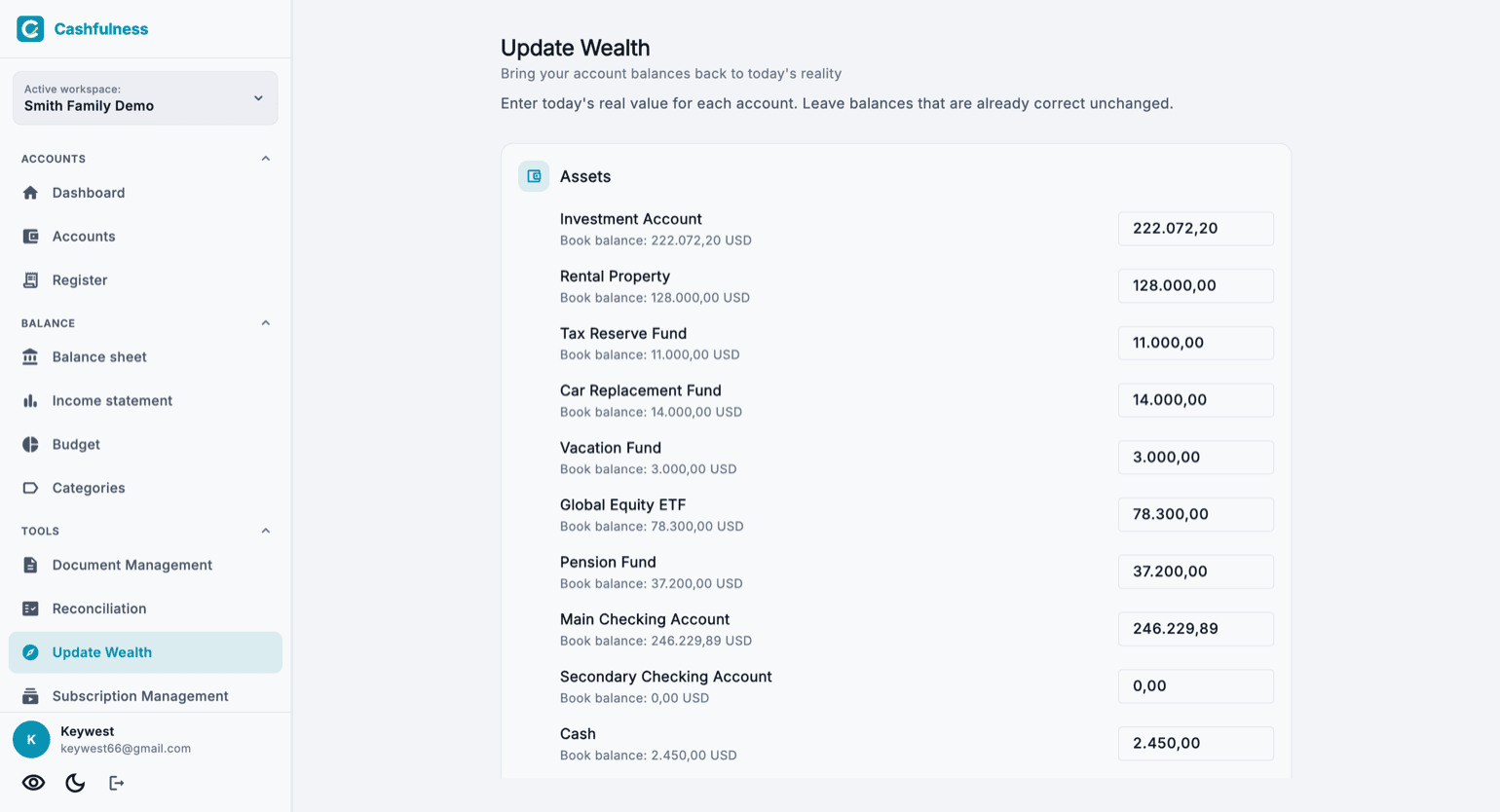
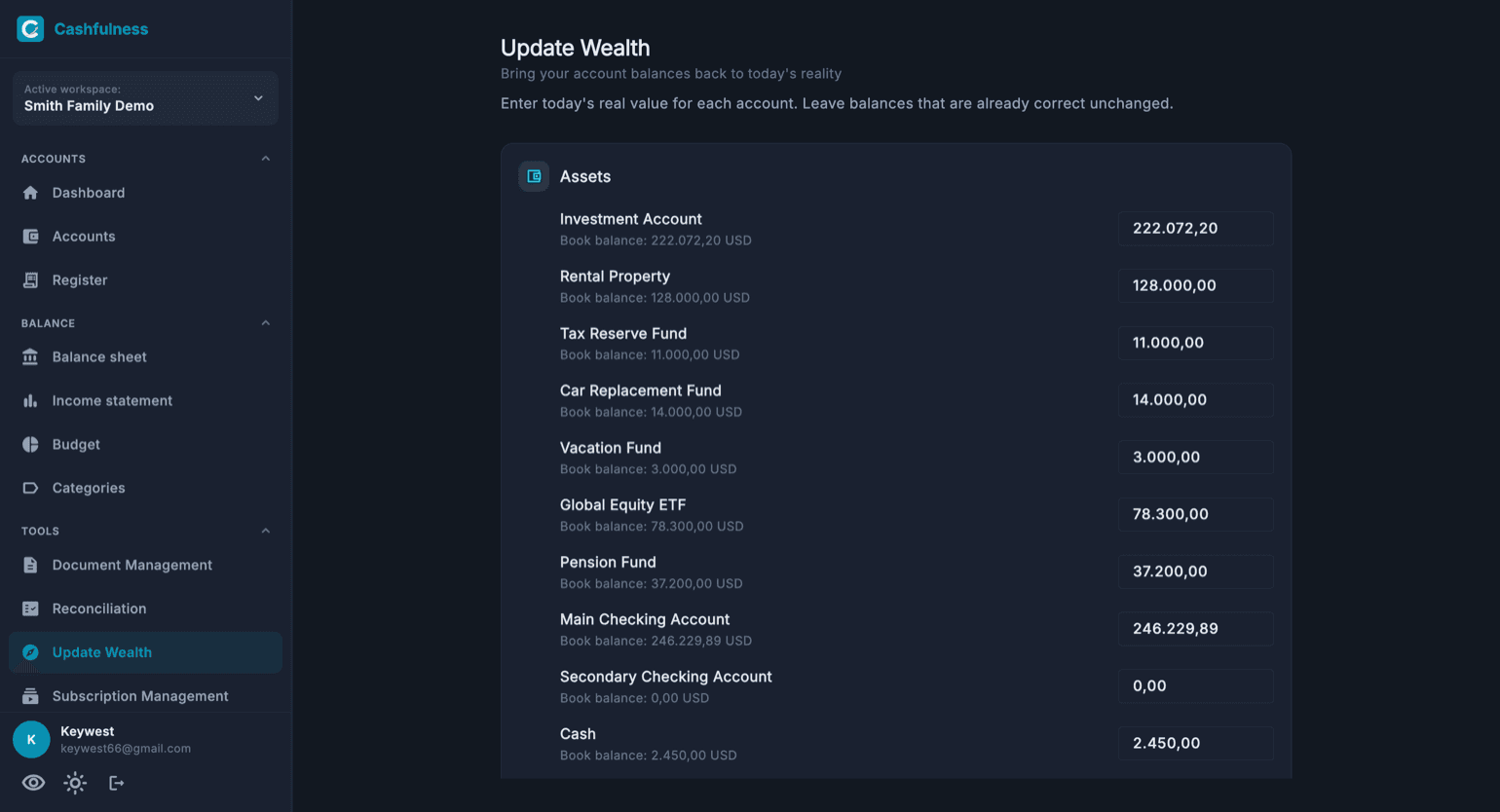
For each balance-sheet account (assets and liabilities) you state today's observed value: how much is really in the current account, what the car is worth, how much is left to pay on the loan. Cashfulness compares the stated value with the book balance and, wherever there's a difference, records a balanced adjustment entry.
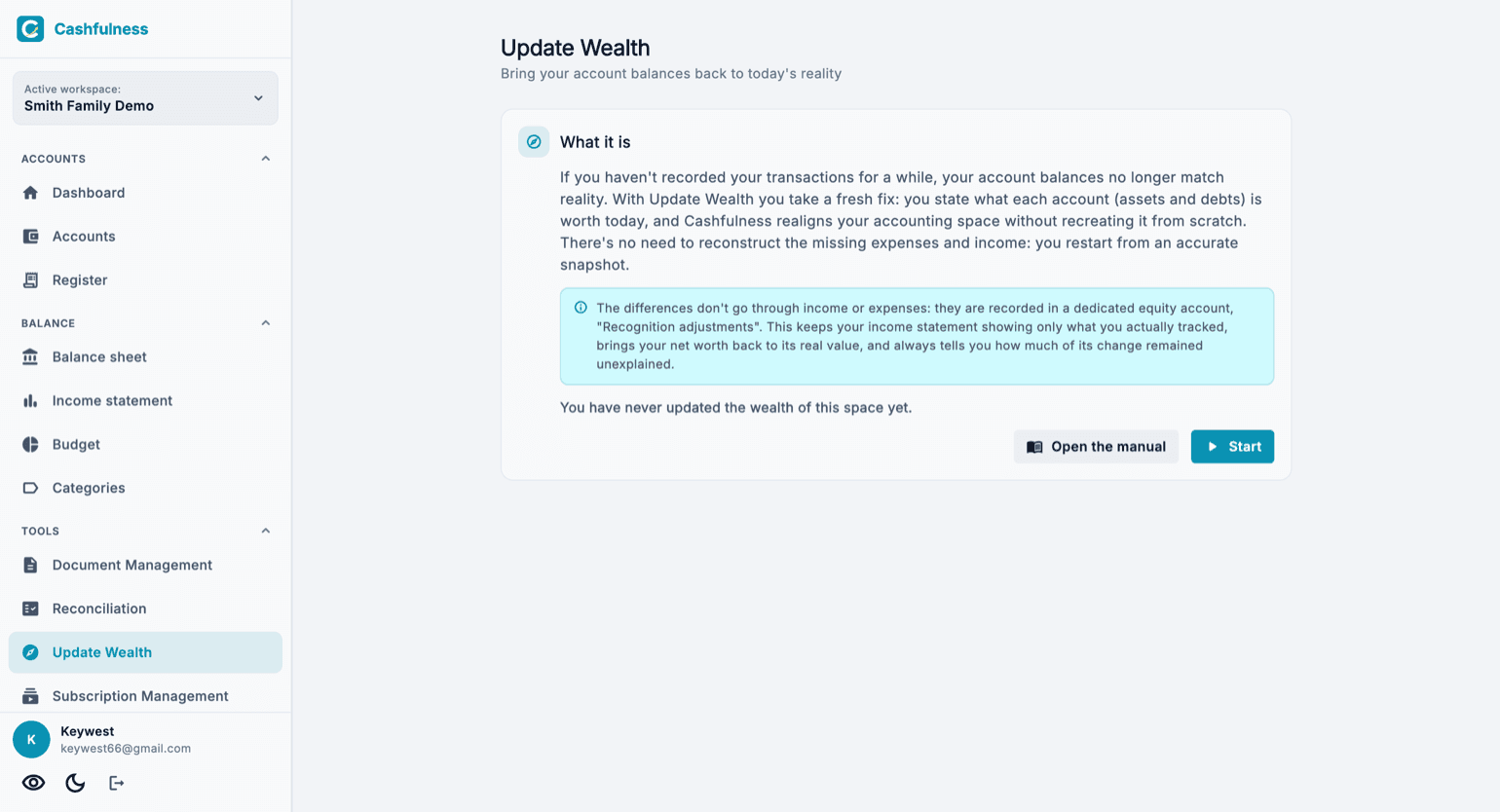
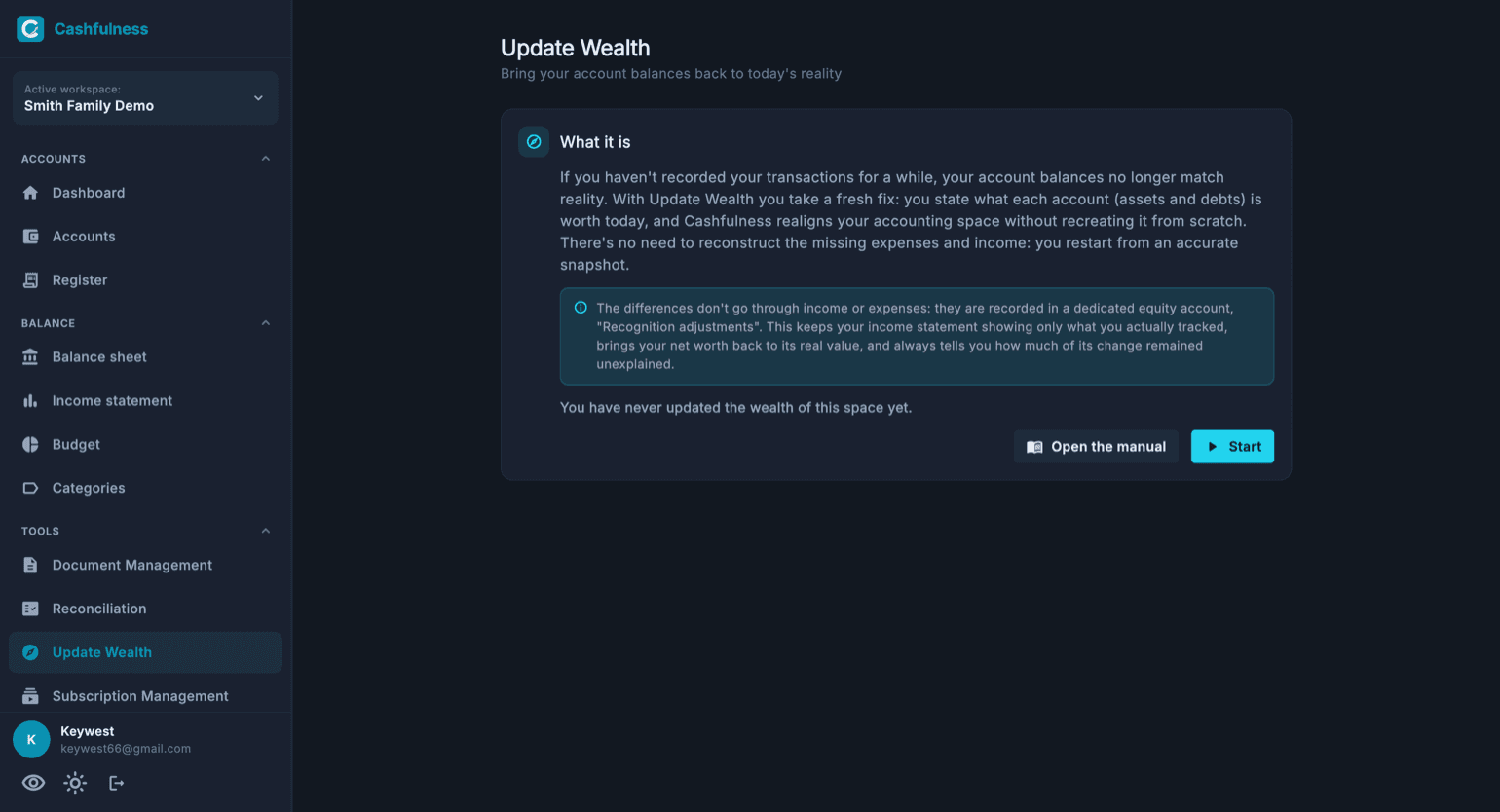
The counterpart of these adjustments is neither income nor an expense: it's a dedicated equity account called Recognition adjustments. The reason is accounting honesty: if you don't know which expenses or income caused the difference, the app must not invent them. Your Income statement keeps showing only what you actually tracked.
Your Net worth, on the other hand, immediately updates to the real values. And the Recognition adjustments account preserves over time the measure of how much of your wealth's change remained unexplained: at the next recognition you'll know how much of the journey was tracked and how much wasn't.
Step by step
You'll find Update Wealth in the Tools section of the sidebar. The opening screen sums up what is about to happen and shows the date of the last recognition; only the owner of the accounting space can proceed.
- Open Update Wealth from the Tools section.
- Read the introduction and press Start.
- For each account, enter today's real value: balances that are already correct stay as they are. For debts, enter the amount still owed, as a positive number.
- Press Preview changes: you review the differences account by account and your net worth before and after.
- Add a note if you want to remember the context, then press Apply adjustments.
After the update
The adjustments appear in the Ledger as regular transactions, recognisable by the "Wealth update" description. The Balance sheet and your Net worth immediately reflect the observed situation; the Income statement stays untouched.
From here you can pick your daily tracking back up. If you lose the thread again in the future, no drama: take a fresh fix. Every recognition is saved in the history with net worth before and after, so the evolution of your wealth stays readable even across interruptions.